
时间:2021-07-01 10:21:17 帮助过:674人阅读
HTML结构
该页面切换特效的HTML结构使用一个
Page Transition
CSS样式
该页面切换特效中使用body::before和body::after伪元素在页面切换过程中创建两个遮罩层来遮住页面内容。它们的定位是固定定位,高度等于50vh,宽度为100%。默认情况下,使用CSS transform属性将它们隐藏起来(translateY(-100%)/translateY(100%))。当用户切换页面的时候,这些元素被移动回视口当中(通过在
元素上添加.page-is-changing class)。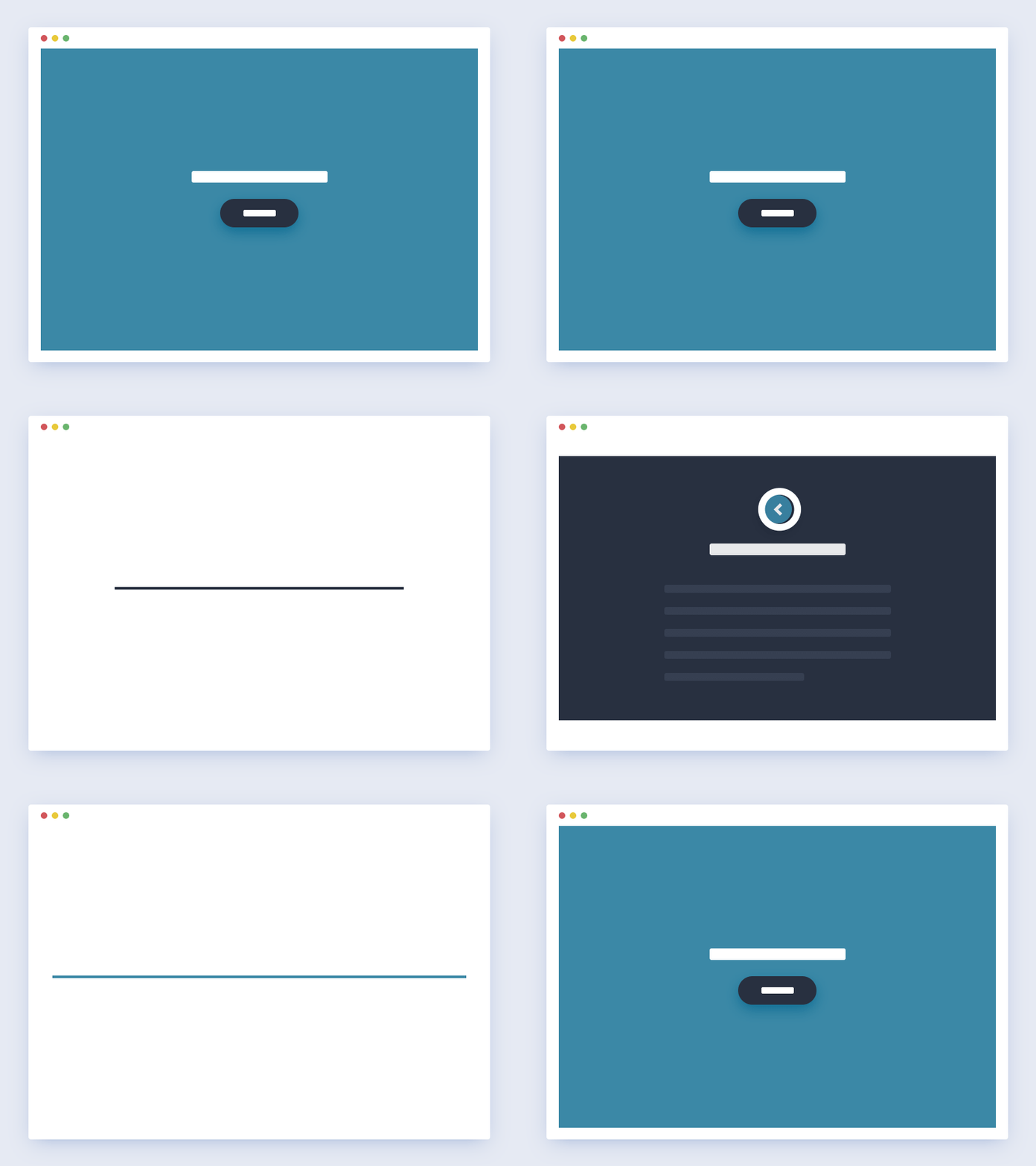
页面切换特效
body::after, body::before {
 /* these are the 2 half blocks which cover the content once the animation is triggered */
 height: 50vh;
 width: 100%;
 position: fixed;
 left: 0;
}
body::before {
 top: 0;
 transform: translateY(-100%);
}
body::after {
 bottom: 0;
 transform: translateY(100%);
}
body.page-is-changing::after, body.page-is-changing::before {
 transform: translateY(0);
}
页面切换时,页面内容的淡入淡出效果是通过改变div.cd-cover-layer的透明度实现的。它覆盖了.cd-main-content元素,并具有相同的背景色,然后在
被添加.page-is-changing class的时候,将透明度从0修改为1。
.cd-loading-bar {
 /* this is the loading bar - visible while switching from one page to the following one */
 position: fixed;
 height: 2px;
 width: 90%;
}
.cd-loading-bar::before {
 /* this is the progress bar inside the loading bar */
 position: absolute;
 left: 0;
 top: 0;
 height: 100%;
 width: 100%;
 transform: scaleX(0);
 transform-origin: left center;
}
.page-is-changing .cd-loading-bar::before {
 transform: scaleX(1);
}
特效中平滑的过渡效果使用CSS Transitions来实现。每一个动画元素都被添加了不同的transition-delay,以实现不同的元素动画顺序。
JAVASCRIPT
该页面切换特效中在链接上使用data-type="page-transition"属性,用于触发页面切换事件。当插件检测到用户点击事件,changePage()方法将被执行。
这个方法会触发页面切换动画,并通过loadNewContent()方法加载新内容。
当新的内容被加载后,会替代原来
为了在用户点击浏览器的回退按钮时触发相同的页面切换动画效果,插件中监听popstate事件,并在它触发时执行changePage()函数。